
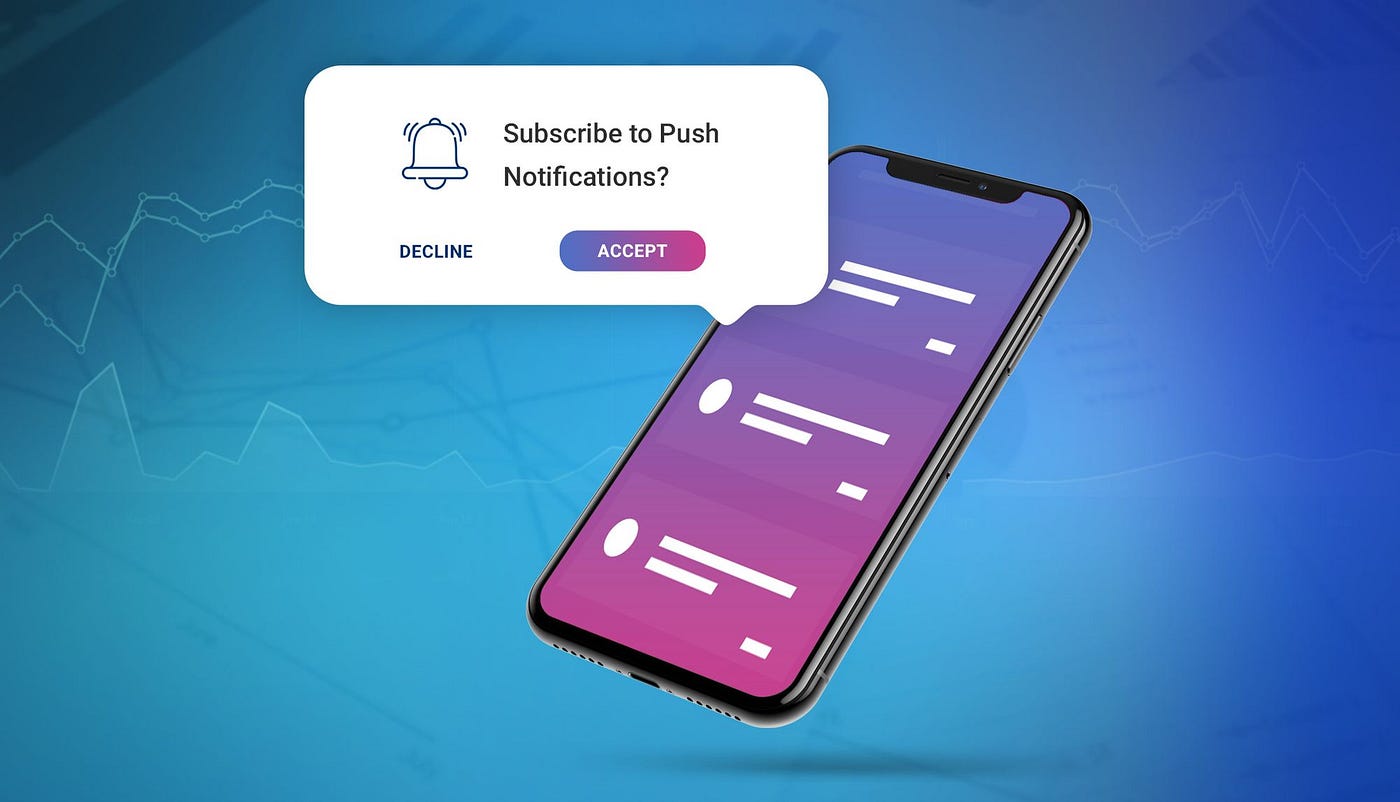
In today’s mobile-driven world, user engagement and retention are major challenges. No matter how well an app is designed, users tend to lose interest if they aren’t reminded of updates, offers, or important actions. For example:
- A food delivery app might need to alert users when their order is picked up or delivered.
- A fitness app may send reminders for daily workouts.
- A banking app should notify users about transactions or security alerts.
However, building and maintaining platform-specific notification systems for both Android and iOS can be complex. Each platform uses its own APIs (Android’s Firebase services vs. Apple’s APNs), different permission handling, and background processing rules. Without a unified system, developers end up writing redundant, error-prone, and inconsistent code that’s difficult to maintain and scale.
Solution:
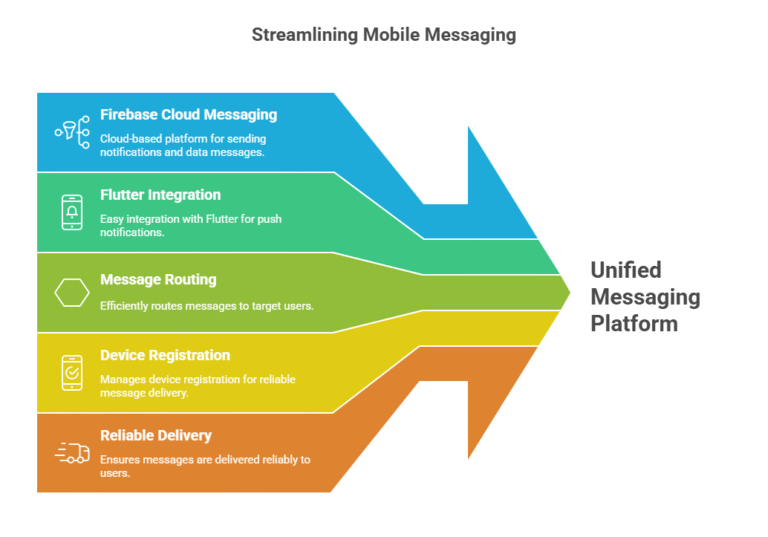
To overcome this complexity, Firebase Cloud Messaging (FCM) provides a unified, cloud-based messaging platform that allows developers to send notifications and data messages to users across Android, iOS, and the web — all from a single backend.
Using Flutter and the firebase_messaging plugin, developers can easily integrate FCM to:
- Receive push notifications even when the app is closed.
- Display in-app messages when the app is running in the foreground.
- Handle user interactions (like tapping a notification).
- Target users via topics, device tokens, or user segments.
Essentially, FCM handles message routing, device registration, and reliable delivery, freeing developers from managing these complexities themselves.
What Are Push Notifications?
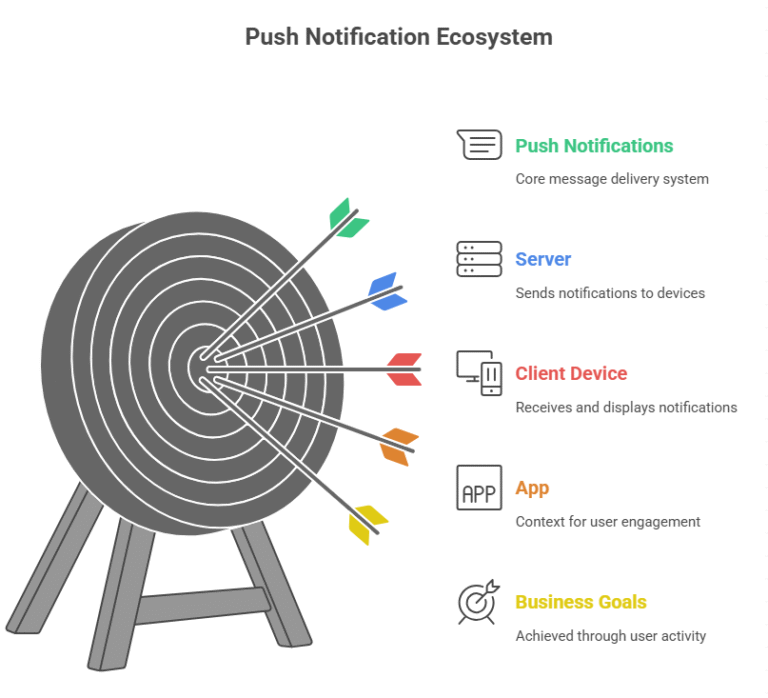
Push notifications are messages sent from a server to a client device, appearing outside the app’s user interface. They can contain alerts, updates, or custom data, helping businesses re-engage users and drive activity within their apps.
How Firebase Cloud Messaging Works
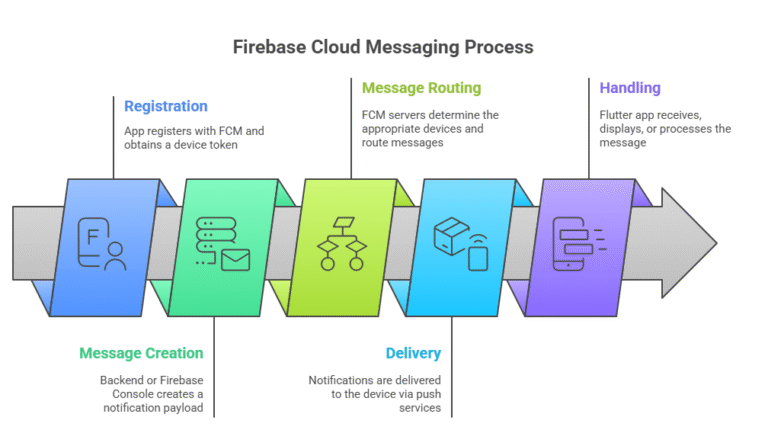
At a high level, the process involves:
- Registration: The app registers with FCM and obtains a unique device token.
- Message Creation: The backend or Firebase Console creates a notification payload.
- Message Routing: FCM servers determine the appropriate devices and route messages accordingly.
- Delivery: Notifications are delivered to the device via the operating system’s push service (Google Play Services for Android, APNs for iOS).
- Handling: The Flutter app receives, displays, or processes the message using firebase_messaging.
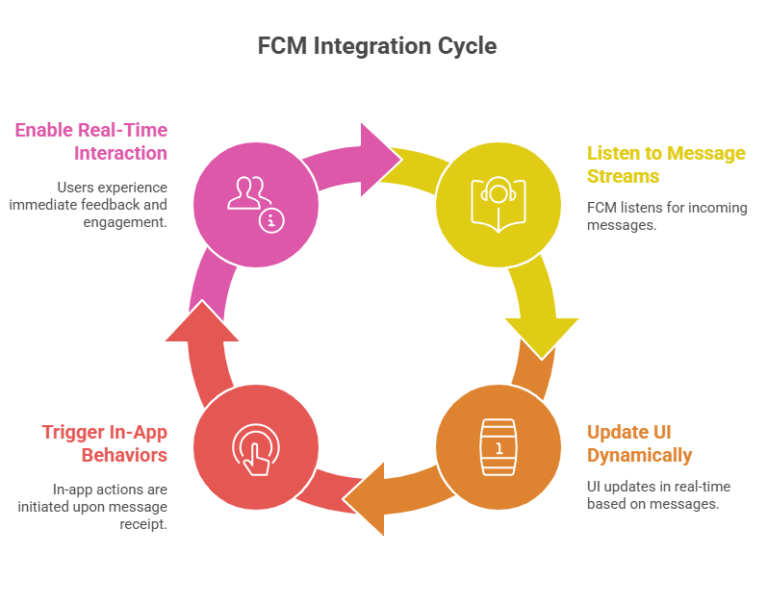
FCM integrates seamlessly with Flutter’s reactive model. By listening to message streams (onMessage, onMessageOpenedApp, etc.), developers can update the UI dynamically or trigger in-app behaviors when a notification is received.
This makes FCM not just a notification tool but a communication bridge between your backend and mobile clients, enabling real-time user interaction.
Example
Imagine we’re developing a hotel booking app. When a booking is confirmed, you want the user to get a notification instantly.
With FCM, your backend can send a message to the user’s device using their FCM token:
					{
  "notification": {
    "title": "Booking Confirmed!",
    "body": "Your stay at The Grand Palace is confirmed for Oct 15–18."
  },
  "to": "DEVICE_FCM_TOKEN"
}
The app receives this notification, displays it, and if the user taps on it, the app navigates to the booking details screen.
Advantages
Using Firebase Cloud Messaging in Flutter offers several theoretical and practical benefits:
- Unified Platform – One solution for Android, iOS, and web notifications.
- Scalability – Handles millions of devices efficiently through Google’s infrastructure.
- Real-time Communication – Instant message delivery enables live updates.
- User Engagement – Keeps users informed, improving retention.
- Customizability – Supports both notification and data payloads for advanced use cases.
- Seamless Integration – Works natively with other Firebase services (Analytics, Remote Config, etc.).
Disadvantages
While FCM is powerful, it also has a few limitations to consider:
- Firebase Dependency – The service relies on Google infrastructure, which may not be ideal for every project.
- Platform Differences – iOS and Android handle permissions, badges, and background messages differently.
- Complex Setup – Requires Firebase project configuration, certificates (for iOS), and background setup.
- Overuse Risk – Excessive notifications can lead to user fatigue or app uninstalls.
Conclusion
Firebase Cloud Messaging (FCM) offers an efficient, scalable, and developer-friendly approach to implementing push notifications in Flutter applications. It bridges the gap between your backend and users, ensuring real-time communication and engagement without needing to manage separate Android and iOS notification systems.
While setup requires attention to detail and understanding of platform differences, the benefits — including cross-platform support, scalability, and ease of integration — make FCM the preferred choice for push notifications in Flutter.